QA #3136
closed
QA #3084: [DEV] Promotion_QA test cases
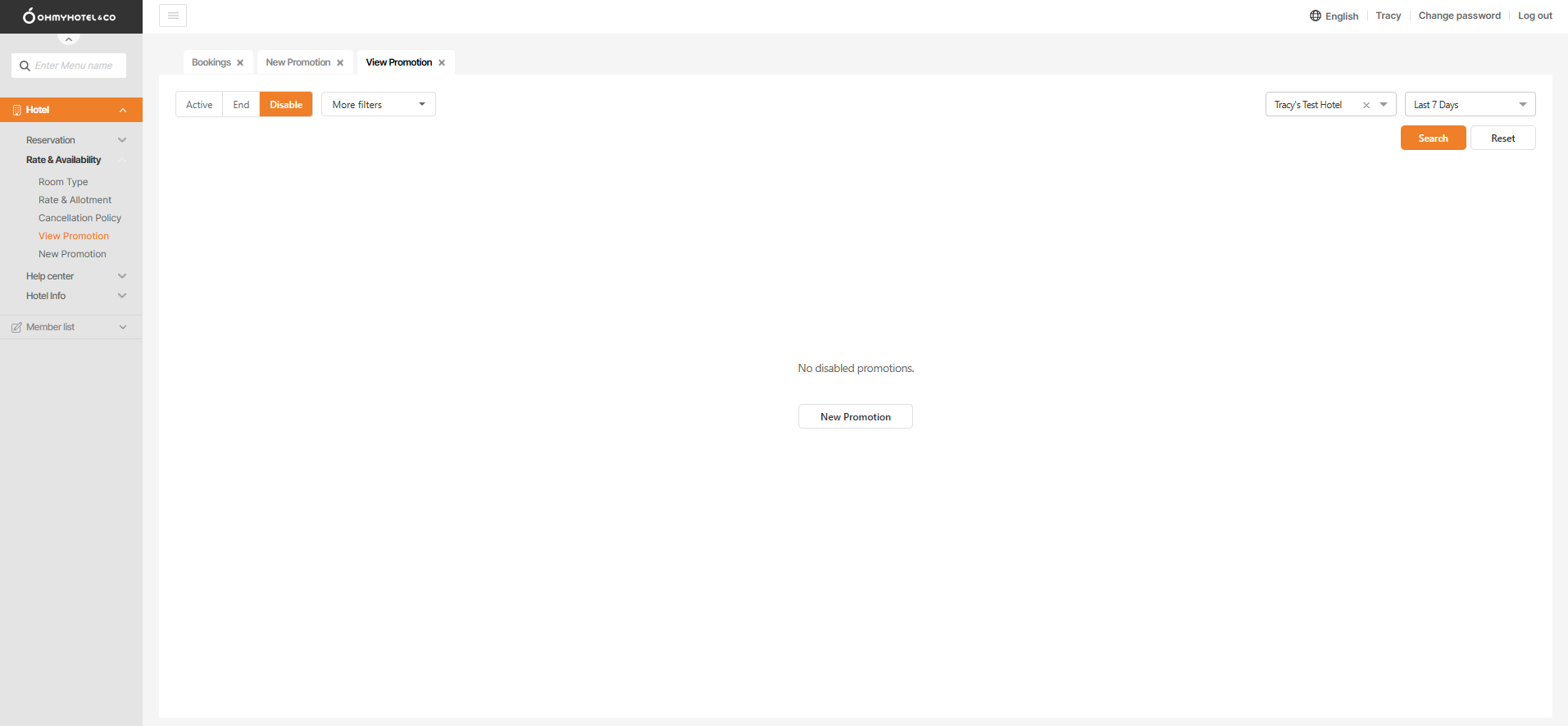
[DEV] View Promotion – Display the ‘No disabled promotions’ page when the user copies a promotion that is in Disabled status
Added by Holden Dang 26 days ago.
Updated 12 days ago.
Description
Pre-condition:
- Hotel: Tracy's Test Hotel
- Extranet is on View Promotion tab
Steps:
1. Click Disable button
2. Click Detail and click Copy
3. Change Promotion Name
4. Click Save and click Save & Close
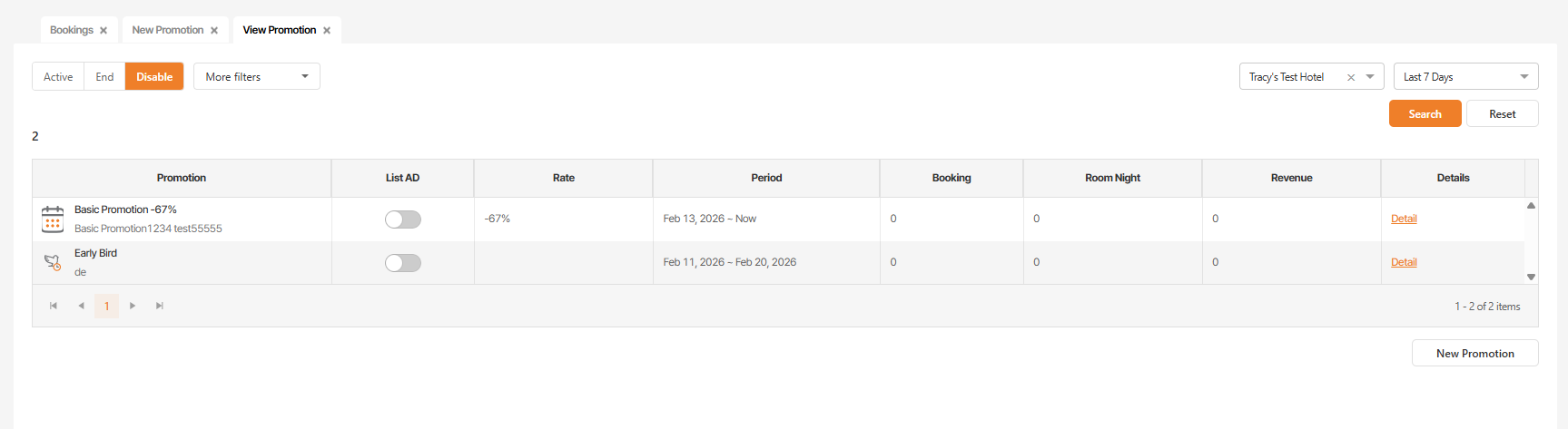
5. Click Active button and then click the copy promotion page
6. Click Disable button again
Actual: Show 'No disabled promotions.' page
Expected: Should show data of Disable
Files
- File 93e2351e-e6d0-4a10-8141-a15925410dbc.mp4 93e2351e-e6d0-4a10-8141-a15925410dbc.mp4 added
- Subject changed from [DEV] View Promotion - Show 'No disabled promotion' page at Disable status when extranet copy of disable to [DEV] View Promotion – Display the ‘No disabled promotions’ page when the user copies a promotion that is in Disabled status
- Assignee set to Joseph Vo
- Start date set to 02/12/2026
- Assignee changed from Joseph Vo to Dan Hoang
- Assignee changed from Dan Hoang to calvin dev
- Status changed from 신규(New) to 진행(Doing)
- Start date changed from 02/12/2026 to 02/24/2026
- Due date set to 02/24/2026
- % Done changed from 0 to 100
- Status changed from 진행(Doing) to QA test
- Assignee changed from calvin dev to Holden Dang
Tested on Dev env => Passed
Also available in: Atom
PDF