개선(improvement) #2005
closed기능(Feature) #1110: * EMAIL TEMPLATE CHANGE
[Email Verification] Add manual email verification flow & expiration condition for auto-sent email
100%
Description
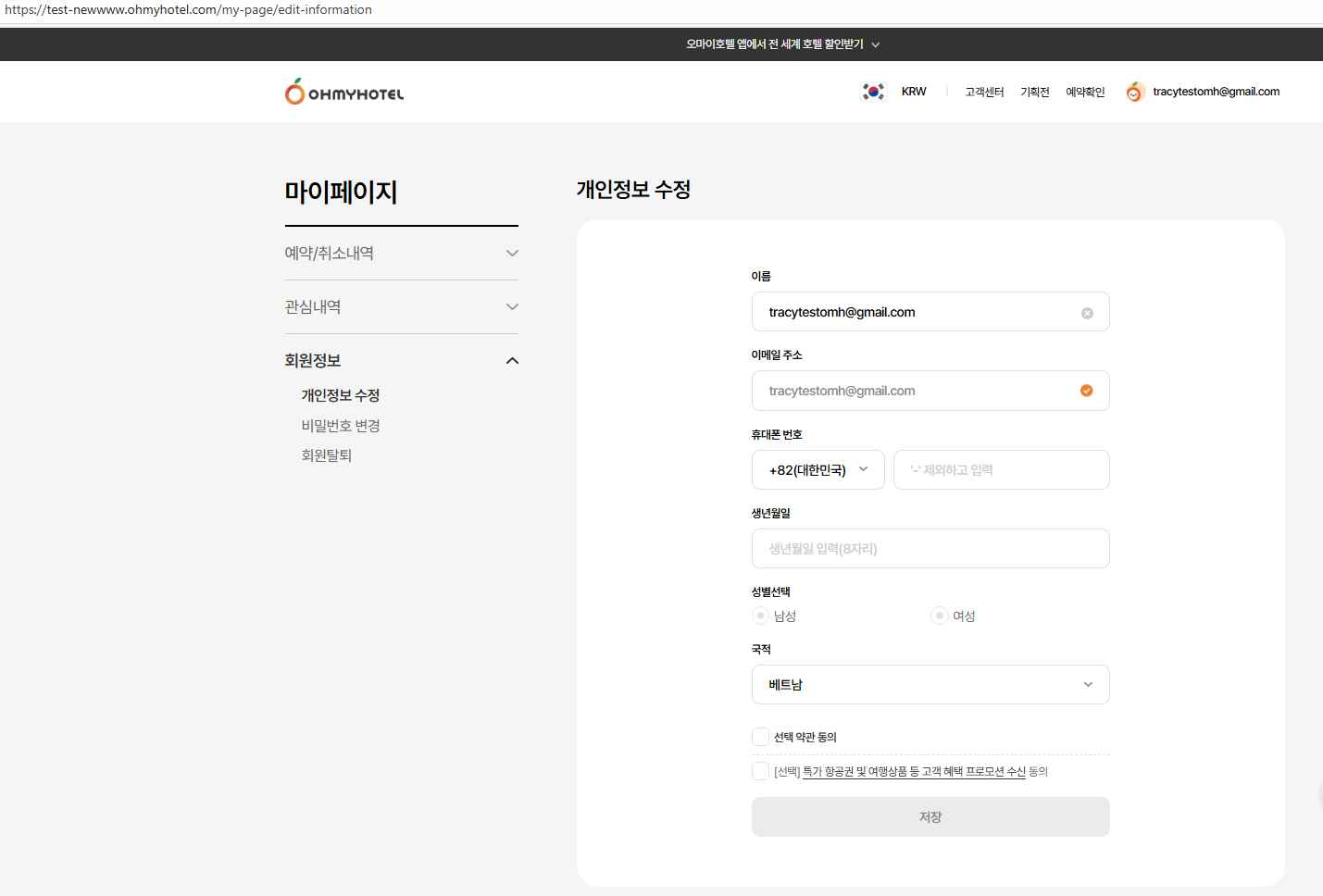
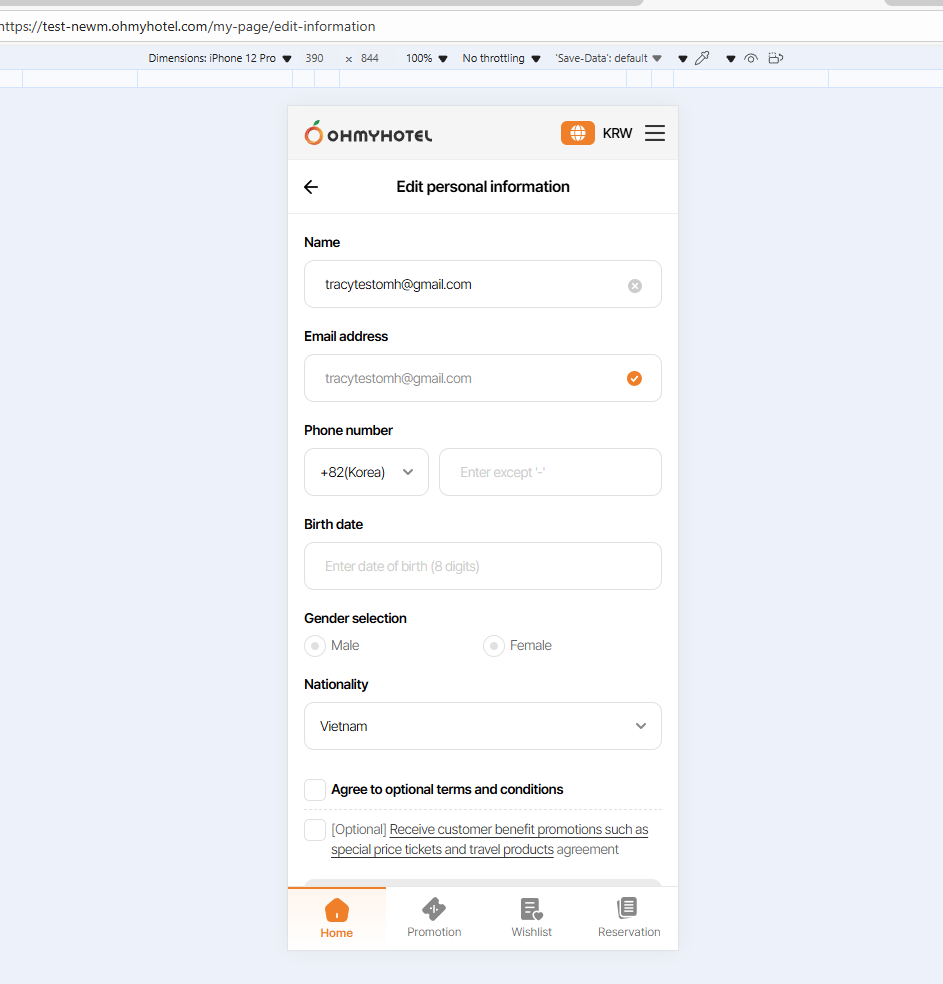
① Đã thêm tính năng xác minh email thủ công trong trang My Page.
https://www.figma.com/design/0x5UMVnHNR7eo4sbHoy7Gn/-SB--Email-Template?node-id=695-2065&t=atLNjgr7CtaijlgY-11
② Đã bổ sung mô tả điều kiện hết hạn cho email tự động gửi sau khi đăng ký.
https://www.figma.com/design/0x5UMVnHNR7eo4sbHoy7Gn/-SB--Email-Template?node-id=695-2385&t=atLNjgr7CtaijlgY-4
Được update trong plan (màu đỏ)
3.Email temp sẽ sử dụng bản hiện tại .
Files
Related issues
Updated by ziniy Kang 5 months ago
- Related to 기능(Feature) #1964: [FE] Add a Email Verification Process in My Page added
Updated by Tracy Truong 5 months ago
- File Ohmyhotel and 5 more pages - Work 2 - Microsoft Edge 2025-10-23 10-27-13.mp4 Ohmyhotel and 5 more pages - Work 2 - Microsoft Edge 2025-10-23 10-27-13.mp4 added
- File picture884-1.png picture884-1.png added
- Status changed from QA test to 완료실패(Failed)
- Assignee changed from Tracy Truong to John Lee
1:Booking Inquiry: Booking Search > Non-member Booking Check/Inquiry > Search by Email > [Get Verification Code] => ok
2:Login: Login / Membership No. > [Login with Code] or [Resend Code] => ok
3:Password Reset: Login / Membership No. > [Forgot Password?] or [Resend Code] => ok
4:Email Verification
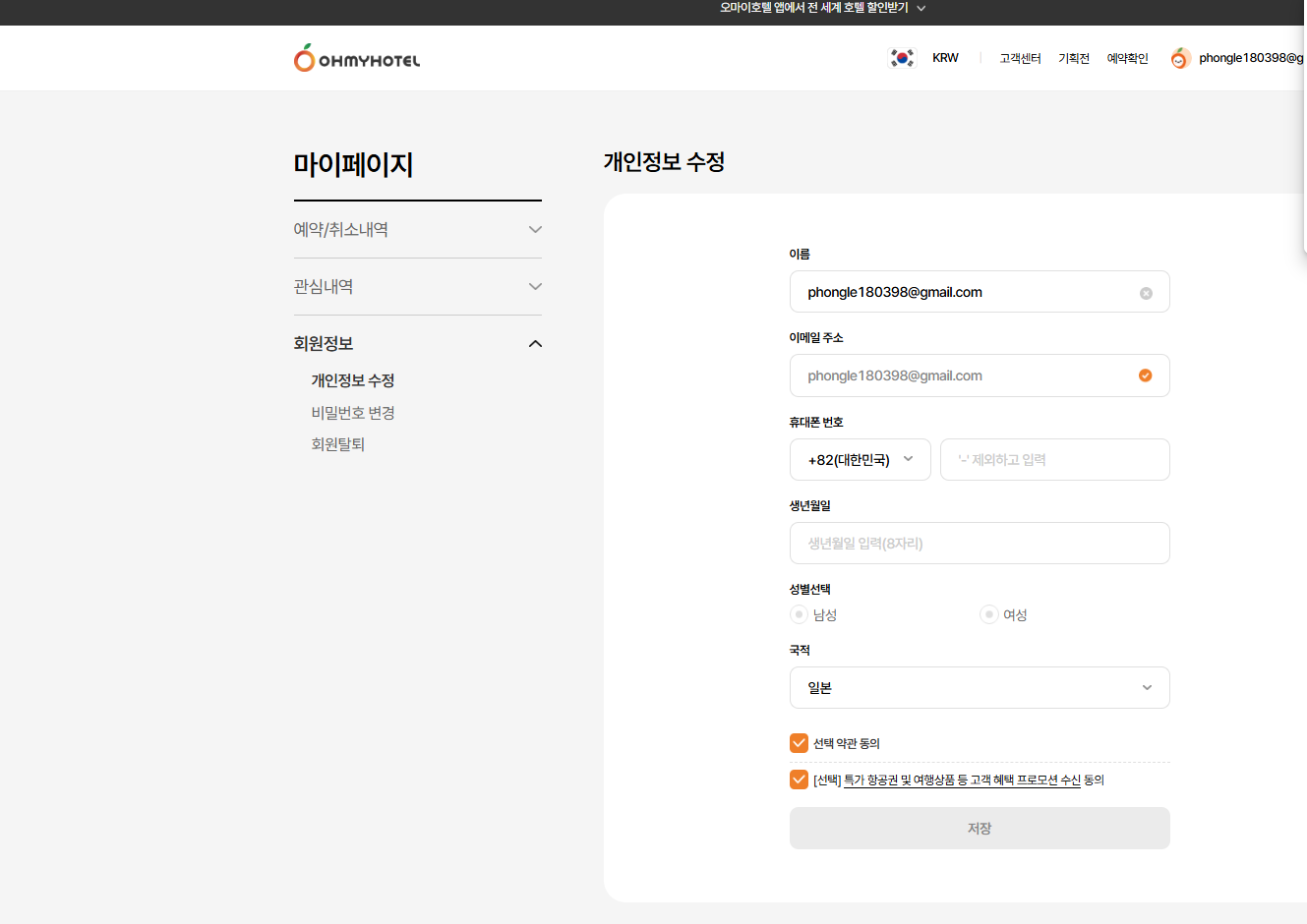
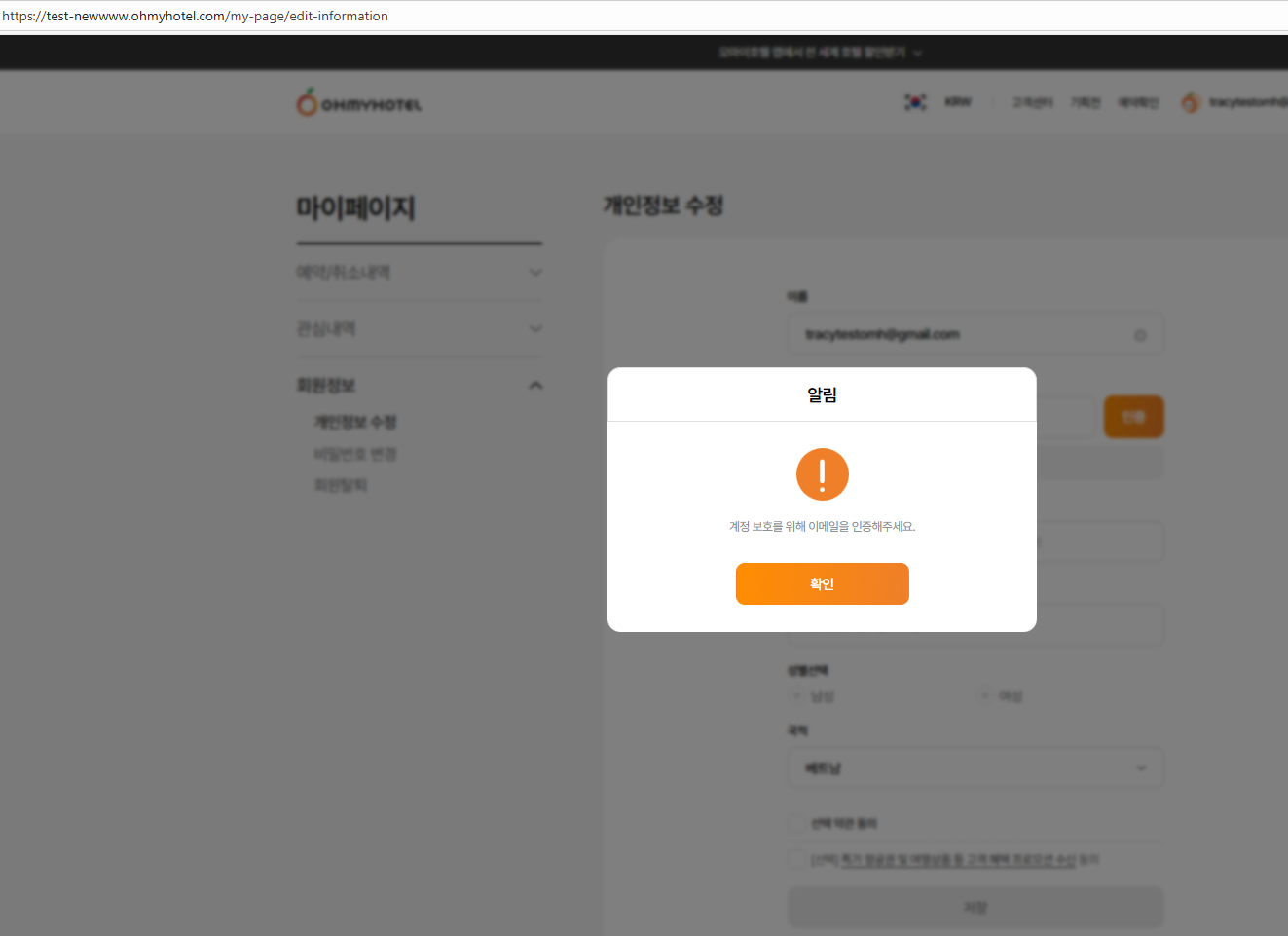
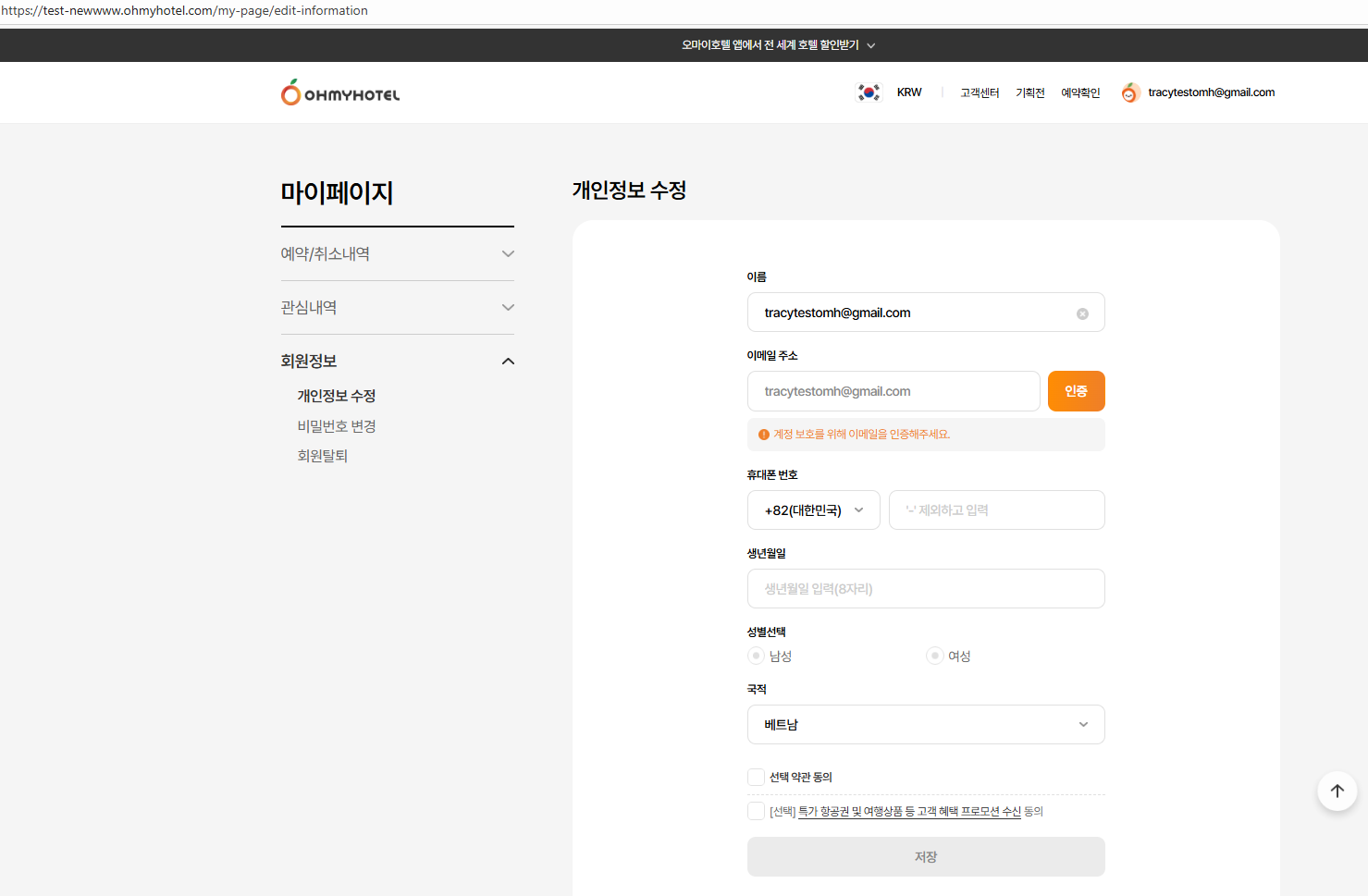
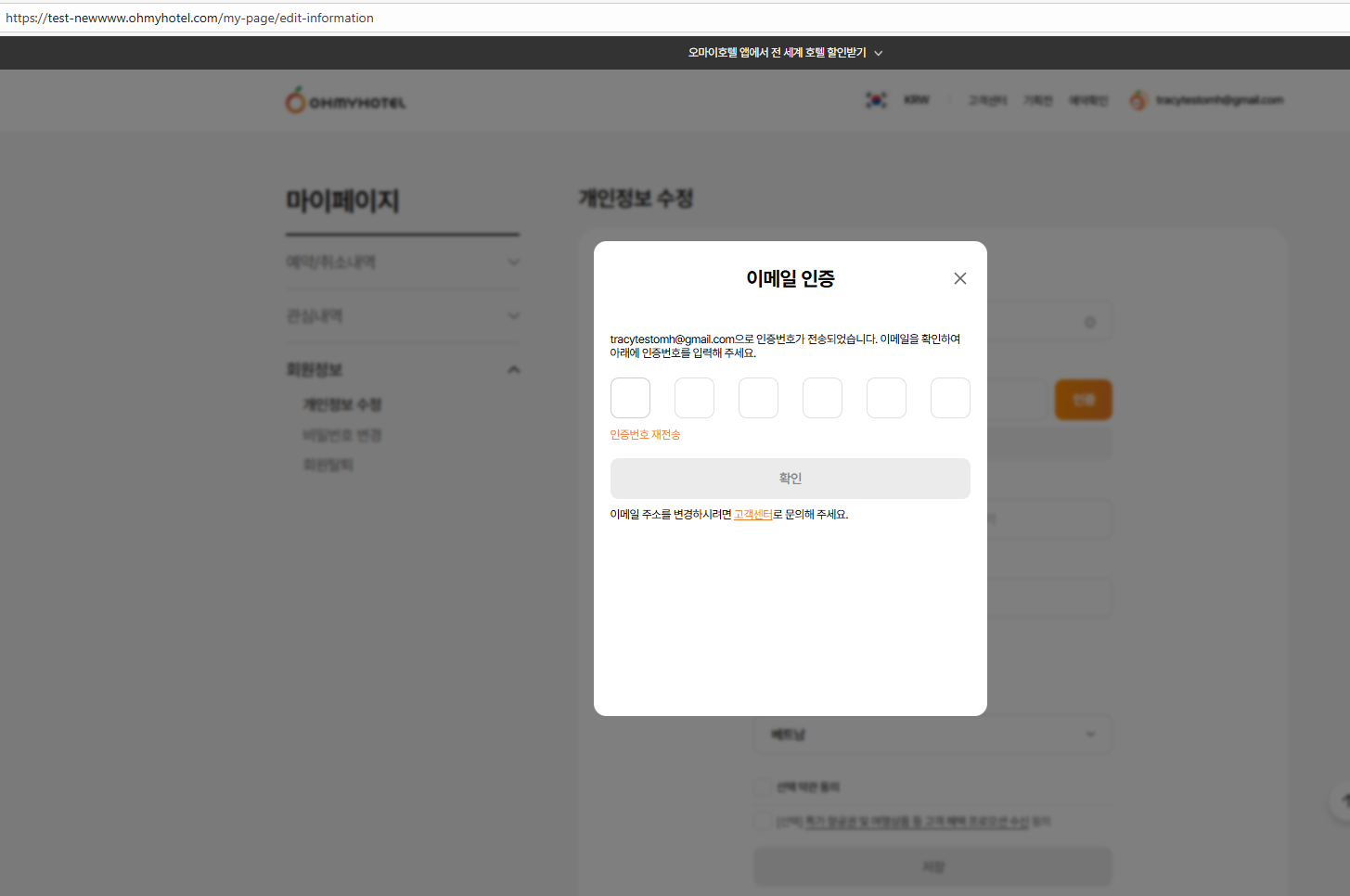
Email Verification: My Page → Profile → Edit Personal Information → Email → [Verify] > Manual email verification code sent from My Page. => ok
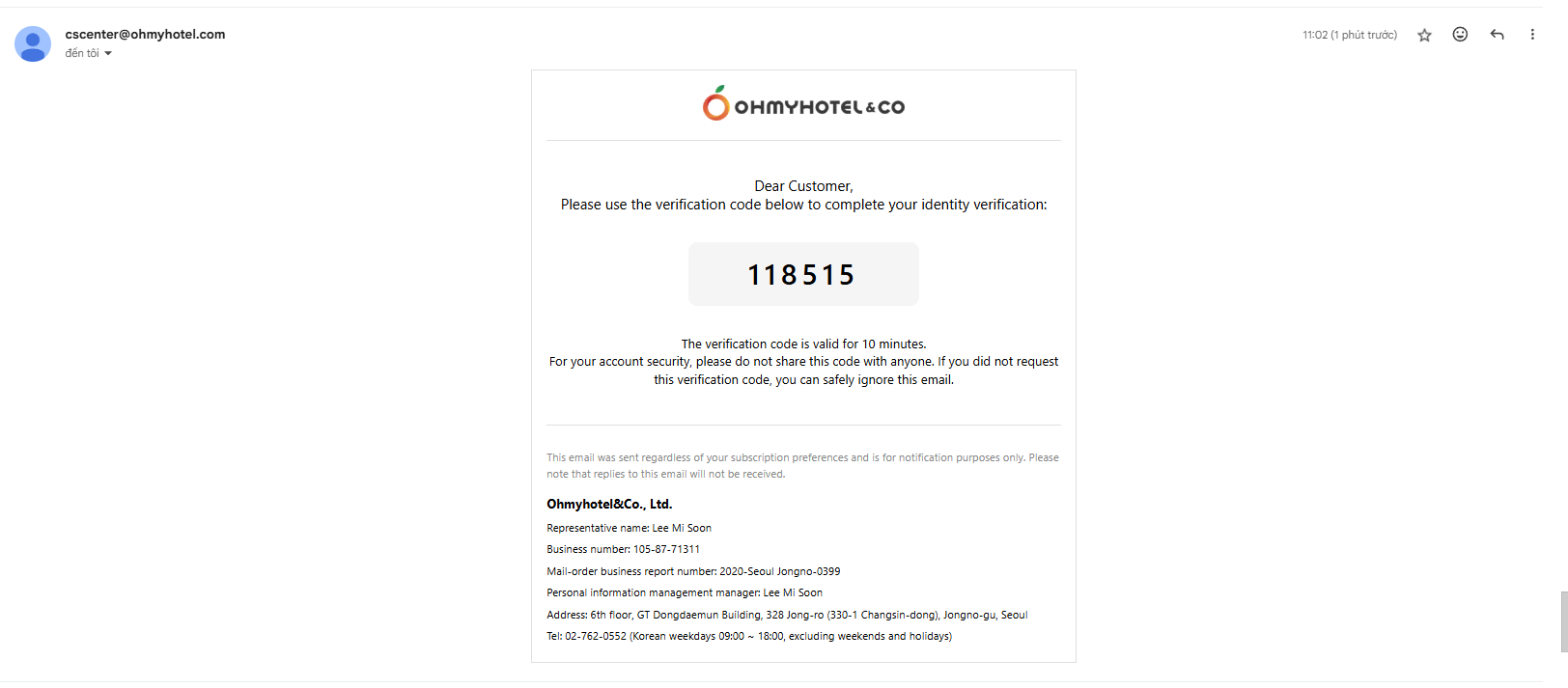
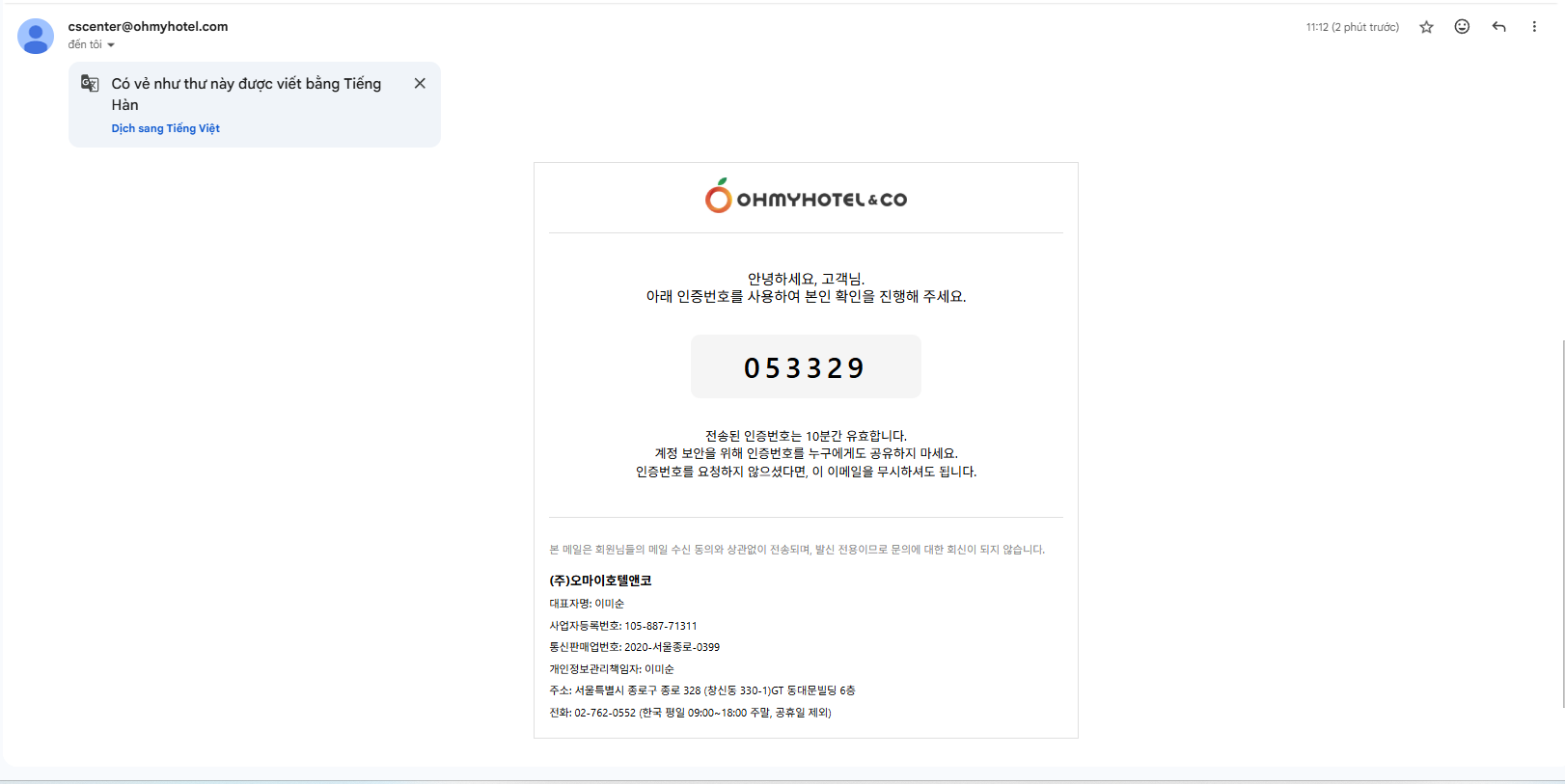
When a manual verification code is sent, any previously issued code or link
(including the one automatically sent right after sign-up) becomes expired. => Failed
Issue 1:
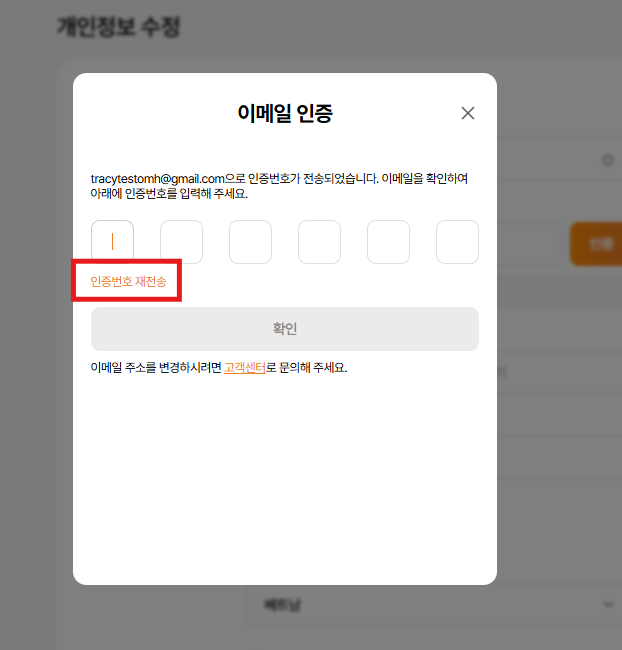
When click verify btn & manual code is sent
Veriry code before expired & can not use => ok
BUT
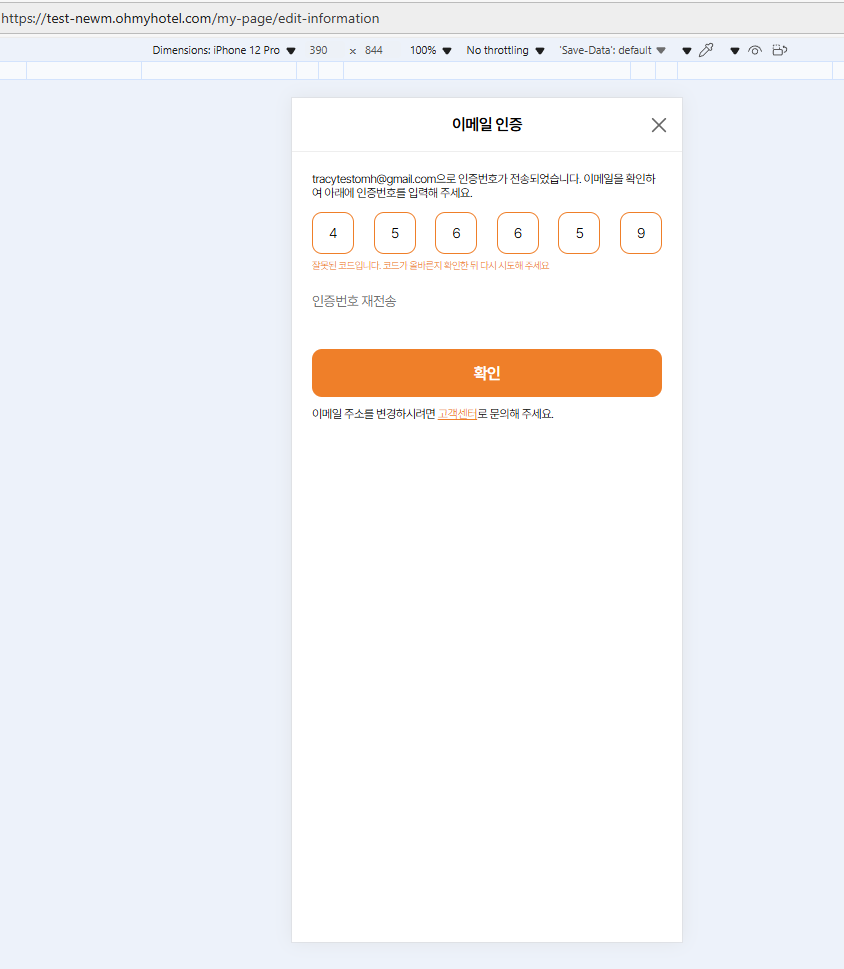
1st case: if I input that expired code, click confirm btn, there is no action or alert displayed, it will make user confuse this btn is active to work or not (Dear Lexi Kim , please advise us for this case. I suggest need to have alert or error message as "Verify code is expired. Please use the newest code sent to email you entered or click resend verify code")
After that, Even though I re-input correct code, this btn also not work. I need to click verify btn again & input new code.
Issue 2 Verify link btn in sign up complete email still active When a manual verification code is sent
Issue 3: Wrong email subject
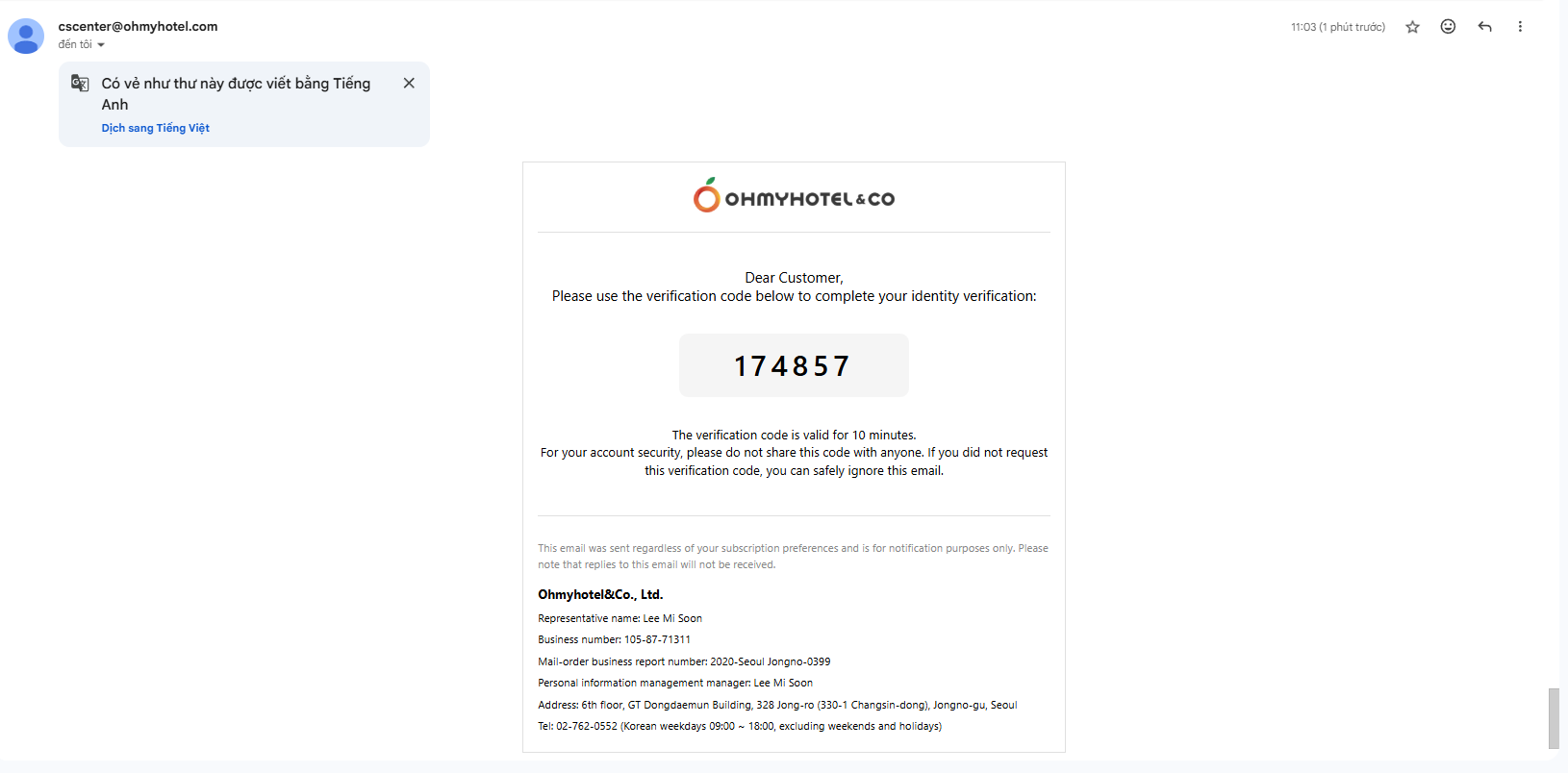
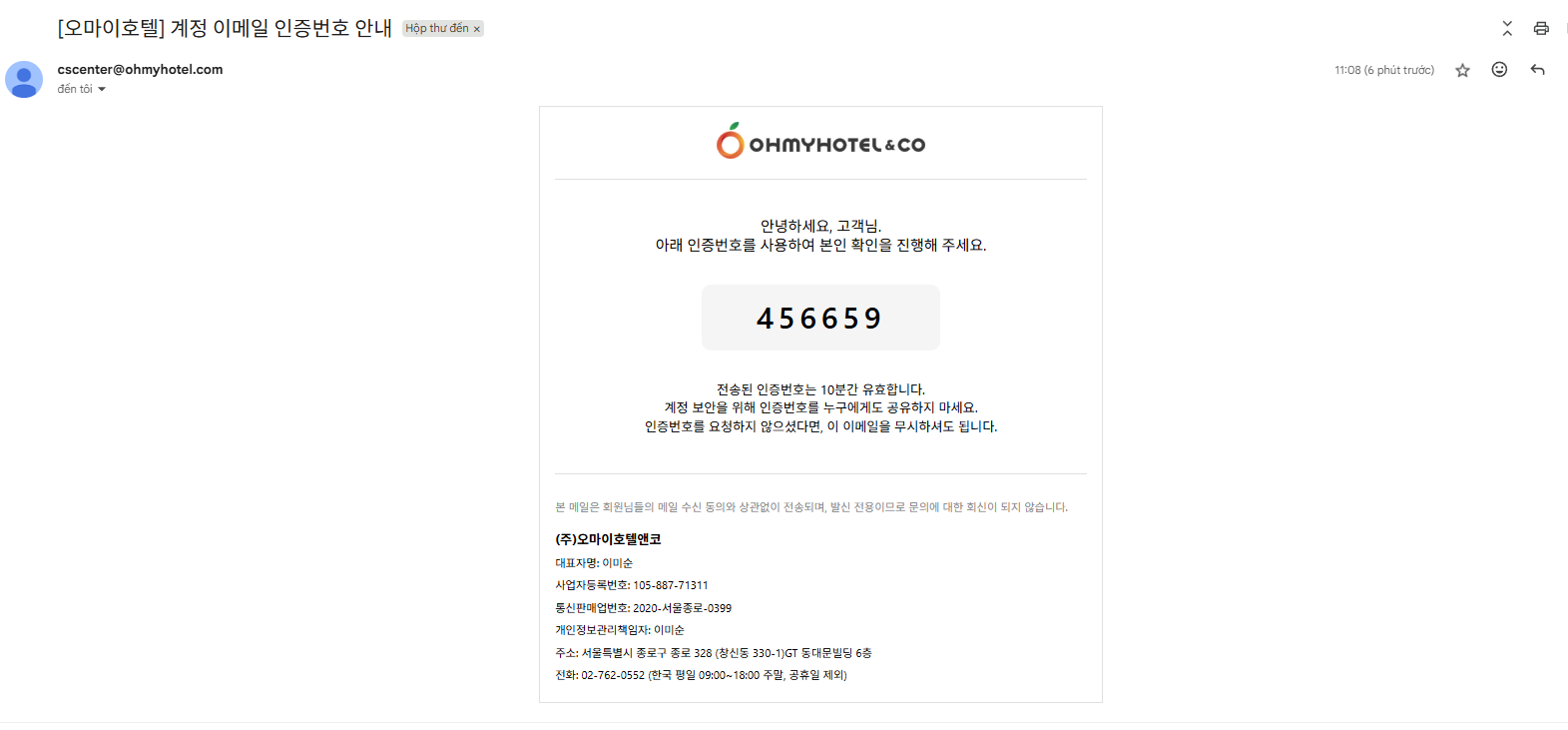
As is: [Ohmyhotel] OTP Verification Code - Login / [오마이호텔] 로그인 인증번호 안내
Figma: [Ohmyhotel] OTP Verification Code – Email Verification / [오마이호텔] 계정 이메일 인증번호 안내
Updated by Tracy Truong 5 months ago
- File picture154-1.png picture154-1.png added
Dear John Lee
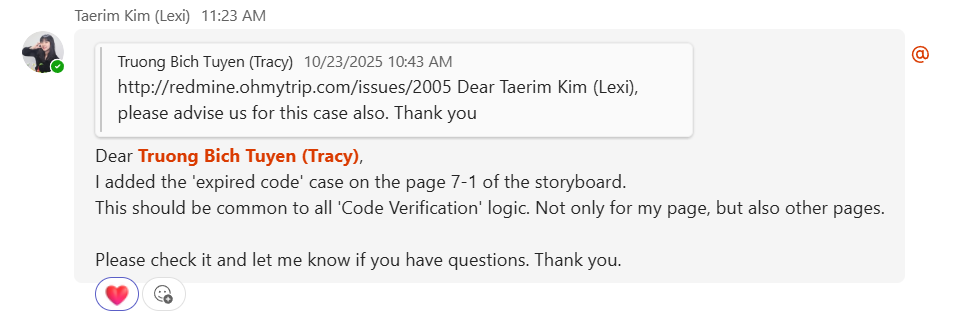
Please check https://www.figma.com/design/vOGs1fRewULwCFidZcWR69/Login---Sign-up-process?node-id=104-10087&t=HRiVXhrEJbrmrbEA-1 (updated 23 Oct by Lexi Kim) for 1st case in my cmt above
New rule will apply for all verify code pop up so please tell me if you need to create a new task for this case. Thank you
Updated by ziniy Kang 5 months ago
- File picture382-1.png picture382-1.png added
PC 7-1 page, MO 7-2 page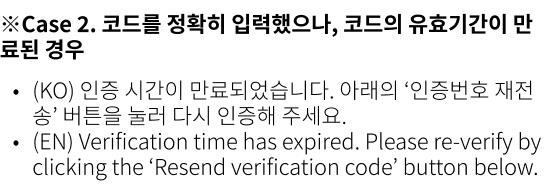
Updated by Tracy Truong 5 months ago
- File [Ohmyhotel] Membership Completion Guide - tracytestomh@gmail.com - Gmail - Google Chrome 2025-10-24 16-48-02.mp4 [Ohmyhotel] Membership Completion Guide - tracytestomh@gmail.com - Gmail - Google Chrome 2025-10-24 16-48-02.mp4 added
- Status changed from QA test to 완료실패(Failed)
- Assignee changed from Tracy Truong to John Lee
Issue 1: failed (alert not change as new requirement)
Issue 2: ok
Issue 3: failed
Updated by Tracy Truong 4 months ago
- Status changed from QA test to 완료실패(Failed)
- Assignee changed from Tracy Truong to John Lee
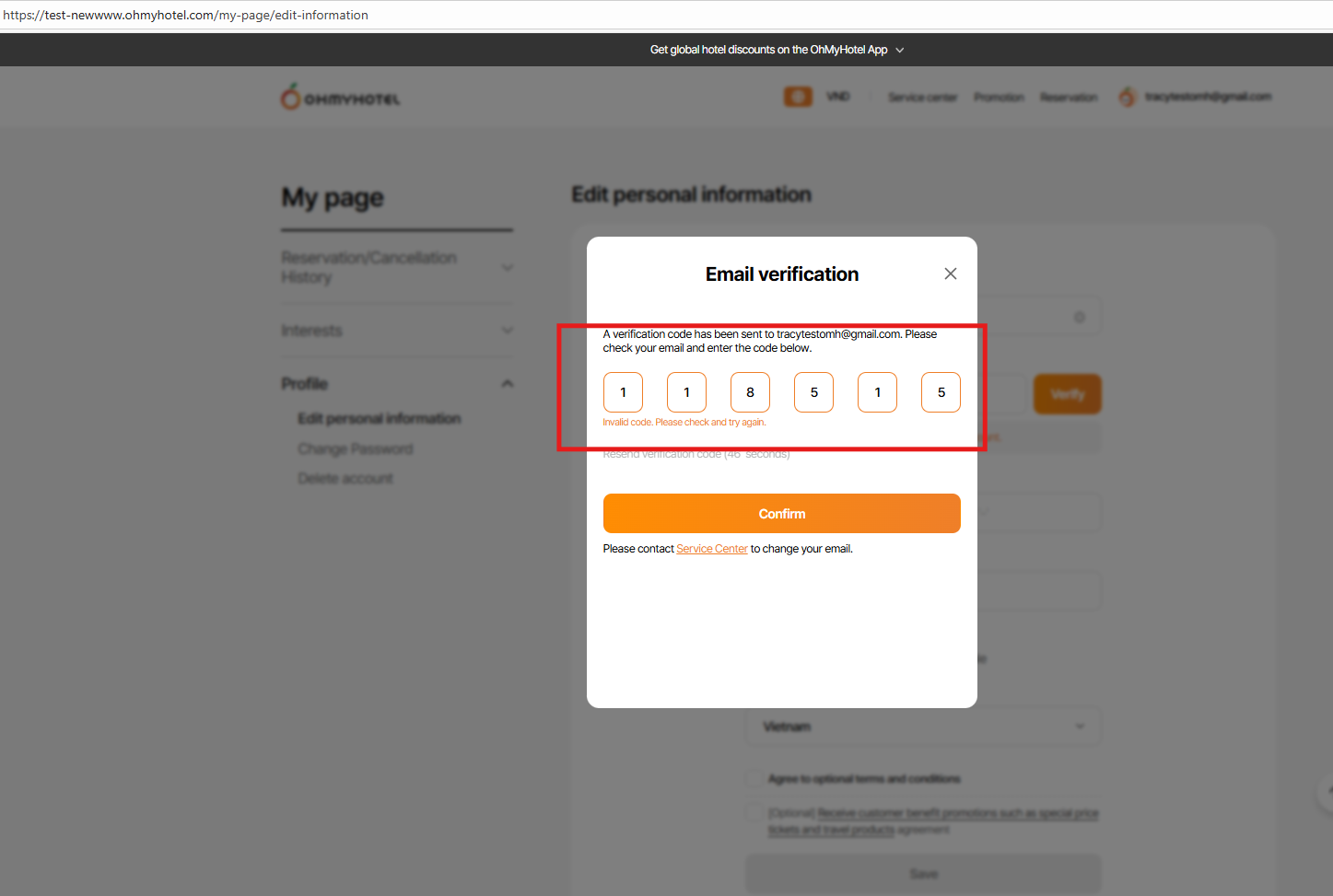
PC: input expired/ wrong OTP code but there is no error message => failed
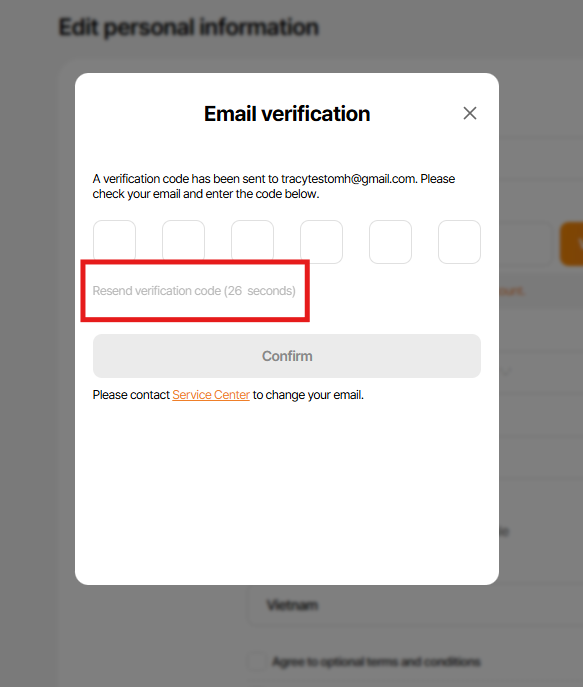
MO/PC: click verify btn > veryfy code sent to email > close pop up > click verify btn again (still within 60s) > popup verify apppear but there is no new code is sent, after 60s, click verify again - new code is sent
=> Need to re-confirm with Plan in this case
-Option 1: within 60s when the verify code is sent, if you click verify btn again, alert "An verification code has already been sent to this email. Please try again after ... seconds or enter a different email address." to match with other verify pop up on system
-Option 2: new code still sent even though user click verify btn within 60s, & if user input old verify code, will alert "the code is expired ..." as new plan Lexi already updated
Link: https://www.figma.com/design/vOGs1fRewULwCFidZcWR69/Login---Sign-up-process?node-id=104-10087&t=HRiVXhrEJbrmrbEA-1 (PC 7-1 page, MO 7-2 page)
Updated by Tracy Truong 4 months ago
- File picture744-1.png picture744-1.png added
- Status changed from QA test to 피드백(Feedback)
- Assignee changed from Tracy Truong to John Lee
Dear John Lee
cc: Lexi Kim
As discussed, I would like to record new rule for this task
1: When users click verify btn > close pop up verify code > click verify btn again > pop sup appear with message "resend verification code (... seconds)" & don't have alert pop up appears
2: When users resend code & update old code > error message "Invalid code. Please check and try again." => on PC, there is bug - don't show error message, please recheck
For more infomation for this case
1st: resend code & input expired code immediately > there is no error message
2nd: resend code & input wrong code, after that input expỉed code => error message appears
Please contact me or comt in this task if any update. Thank you
Updated by Tracy Truong 4 months ago
- File image.png image.png added
- File picture411-1.png picture411-1.png added
- File picture411-2.png picture411-2.png added
- File picture411-3.png picture411-3.png added
- File picture411-4.png picture411-4.png added
- File picture411-5.png picture411-5.png added
- File picture411-6.png picture411-6.png added
- File picture411-7.png picture411-7.png added
- Status changed from QA test to 피드백(Feedback)
- Assignee changed from Tracy Truong to John Lee
Tracy Truong wrote in #note-15:
Dear John Lee
cc: Lexi Kim
As discussed, I would like to record new rule for this task
1: When users click verify btn > close pop up verify code > click verify btn again > pop sup appear with message "resend verification code (... seconds)" & don't have alert pop up appears
2: When users resend code & update old code > error message "Invalid code. Please check and try again." => on PC, there is bug - don't show error message, please recheck
For more infomation for this case
1st: resend code & input expired code immediately > there is no error message
2nd: resend code & input wrong code, after that input expỉed code => error message appears
Please contact me or comt in this task if any update. Thank you
=>Rechecked this case, ok
New cases:
1/ Please change "resend verify btn" to orange when 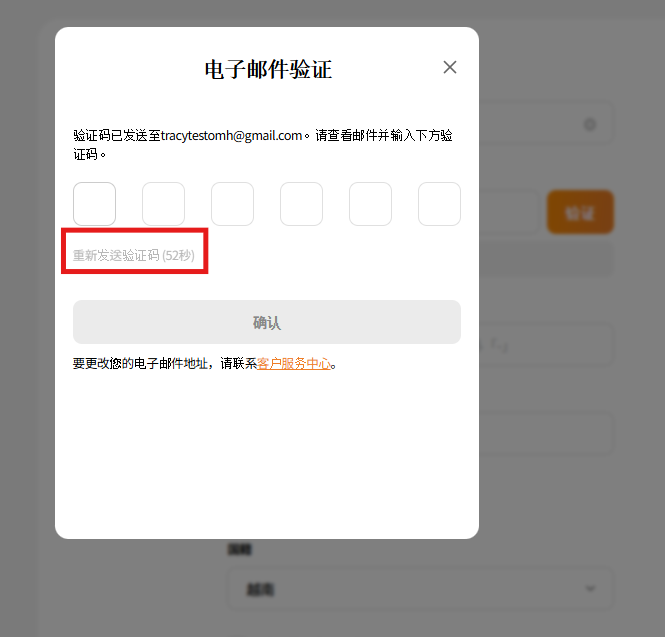
2/ Login: Failed - sent email with subject "[Ohmyhotel] OTP Verification Code – Email Verification"
Updated by ziniy Kang 4 months ago
- Status changed from 피드백(Feedback) to 완료실패(Failed)
Updated by Tracy Truong 4 months ago
- File Ohmyhotel and 3 more pages - Work 2 - Microsoft Edge 2025-10-29 11-47-52.mp4 Ohmyhotel and 3 more pages - Work 2 - Microsoft Edge 2025-10-29 11-47-52.mp4 added
- File Ohmyhotel and 3 more pages - Work 2 - Microsoft Edge 2025-10-29 11-48-55.mp4 Ohmyhotel and 3 more pages - Work 2 - Microsoft Edge 2025-10-29 11-48-55.mp4 added
- File picture502-1.png picture502-1.png added
- File picture502-2.png picture502-2.png added
- File picture502-3.png picture502-3.png added
- File picture502-4.png picture502-4.png added
- File picture502-5.png picture502-5.png added
- File picture502-6.png picture502-6.png added
- File picture502-7.png picture502-7.png added
- File picture502-8.png picture502-8.png added
- File picture502-9.png picture502-9.png added
- Status changed from QA test to 완료(Done)
- Assignee changed from Tracy Truong to John Lee
Retested on STG, ok
Updated by Zia Han 4 months ago
- Related to 개선(improvement) #2158: [Design] Adjust Text for Email Verification Page (Expired/Already Verified Case) added
Updated by ziniy Kang 4 months ago
- Status changed from QA test to 확인(Confirmed)
Updated by ziniy Kang 4 months ago
- Assignee changed from Tracy Truong to John Lee